
Redefining Exhibition Interaction
Traditional exhibition halls and galleries are often limited to static displays, where visitors can only rely on viewing exhibits or reading text descriptions. This one-way information acquisition mode prevents visitors from gaining a deeper understanding of the exhibits beyond their appearance.
To address these pain points, the Laser Guide Interactive System leverages advanced laser recognition and image processing technology to seamlessly connect the server, player, and laser pointer navigation into a complete interactive system. Presenters precisely focus the laser pointer on any exhibit, and the large screen instantly displays relevant multimedia content, greatly enhancing the fluency of presentations and visitor engagement.
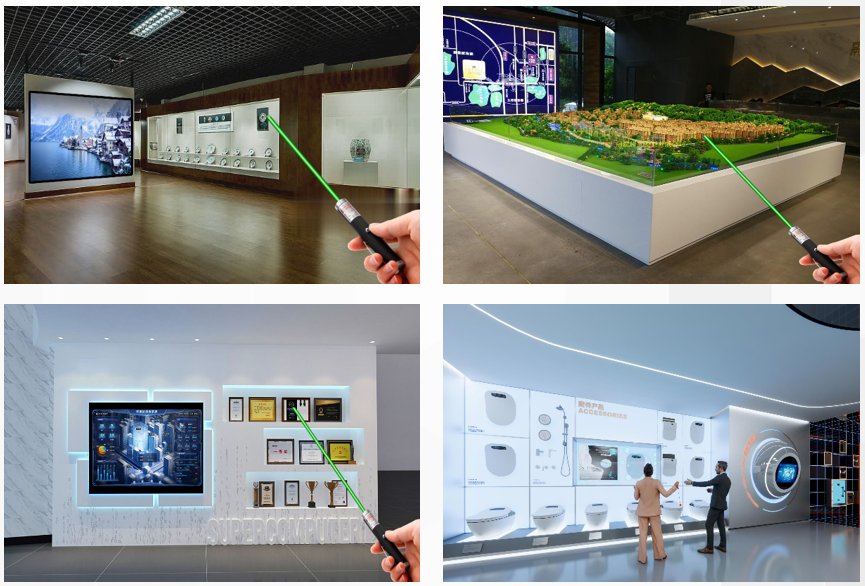
Six Core Advantages
Diverse Media Support
Supports images, videos, Office documents, music and many other media types for diverse exhibition content.
Intelligent Control
PPT翻页, signal switching, video playback, volume control — all operations completed through simple touch or click.
HD Visual Display
Whether images or videos, content is presented with clear, refined picture quality for an ultimate visual experience.
Scalability
Terminals can flexibly configure laser recognition cameras based on actual site conditions for comprehensive signal coverage.
Annotation Interaction
Precisely annotate exhibits on spatial images using rectangle, circle, and lasso tools, assigning specific events to each annotation.
Command Events
Configure TCP/UDP command events for annotated exhibits — laser pointer triggers automatic command delivery and execution.
Efficient Management, Precise Annotation
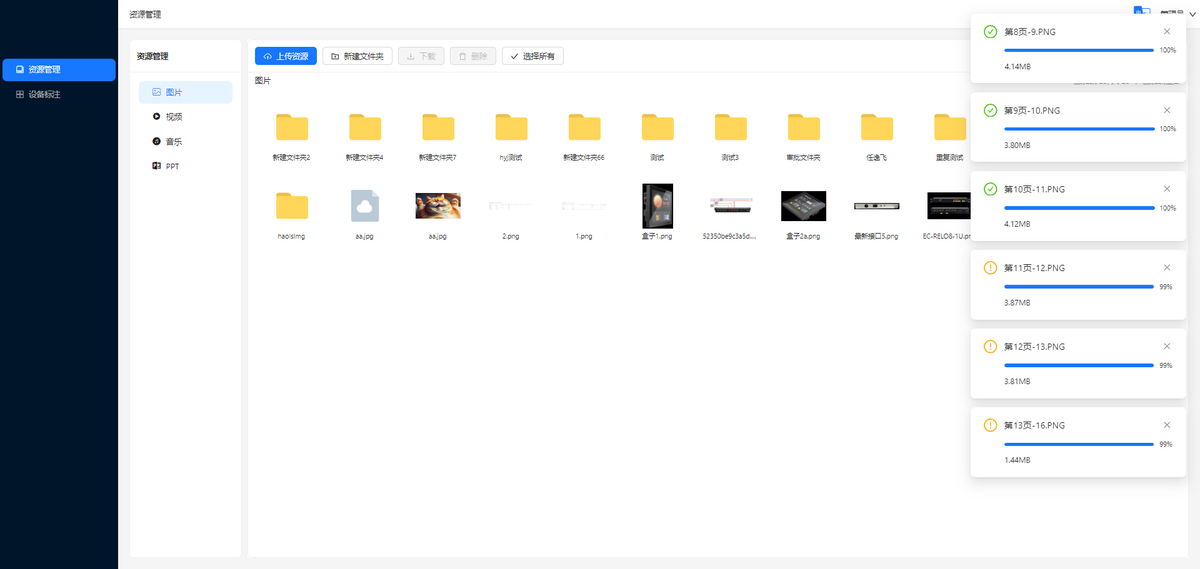
Centralized Resource Sharing
Build a centralized resource sharing center where materials uploaded once can be used by multiple users. Common videos, documents and promotional materials can be directly accessed, saving upload time and server storage space.
- Upload once, share across terminals
- Support for video, document, image formats
- Save server space and upload time
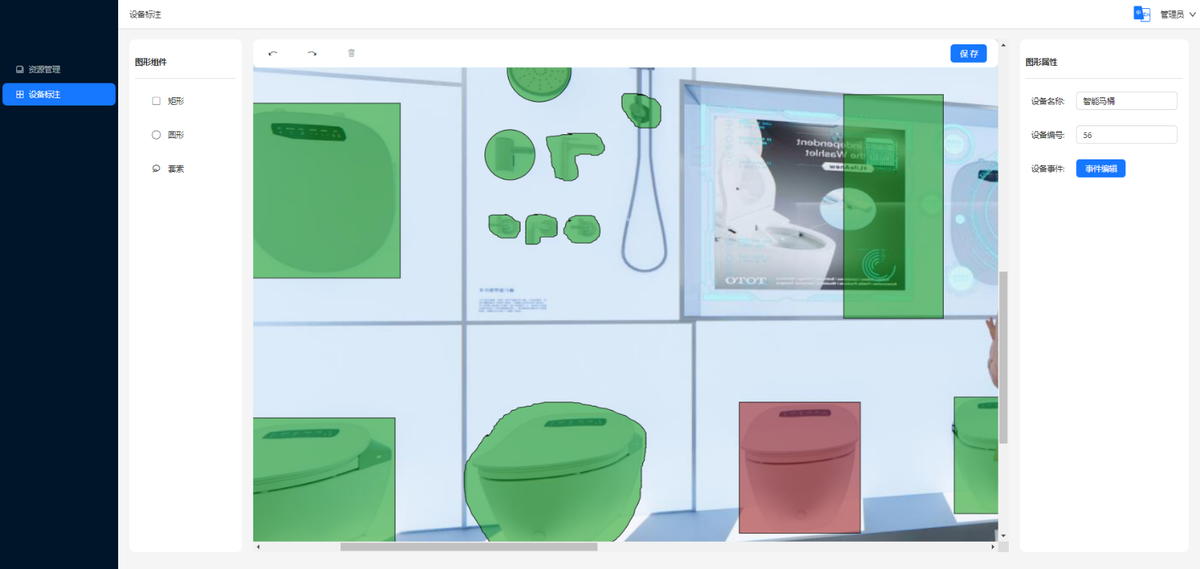
Spatial Annotation & Event Binding
Use rectangle, circle, and lasso tools to precisely annotate exhibits in spatial images. After annotation, assign specific events to each annotated exhibit — when the laser pointer targets an exhibit, the large screen instantly displays preset multimedia content.
Smart Linkage, Automatic Execution
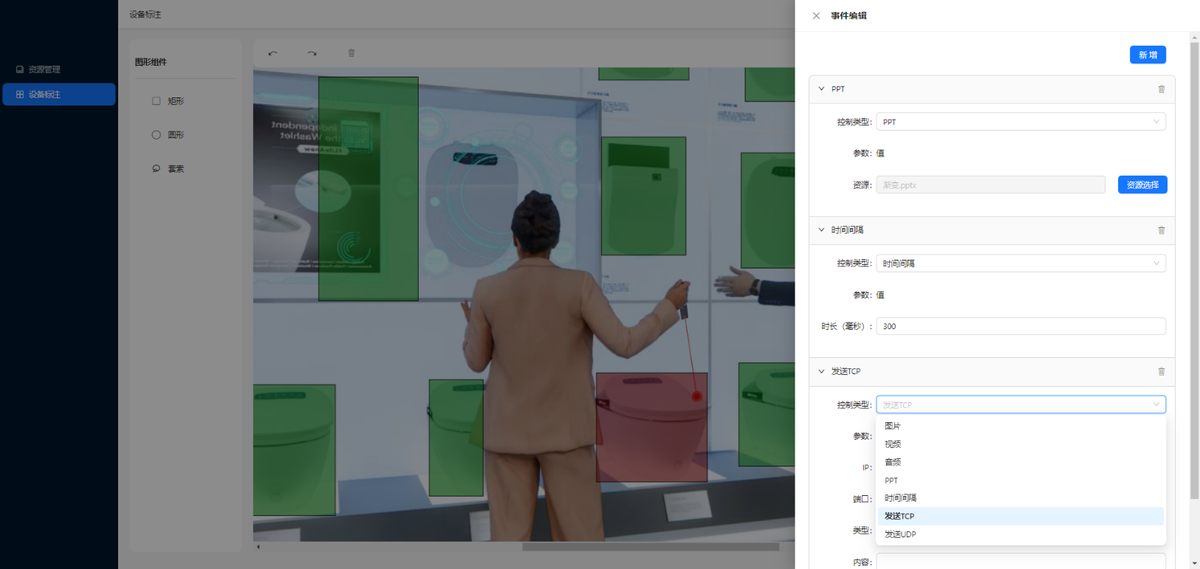
TCP/UDP Command Event Editing
The system supports setting TCP or UDP command events for annotated items. For example, after configuring lighting and curtain command events, when the laser pointer targets the item, the lights and curtains receive the command and automatically turn on or open.
- TCP / UDP protocol support
- Lighting, curtain and device linkage
- Zero-latency trigger on laser contact
Multi-Scenario Coverage, Flexible Deployment
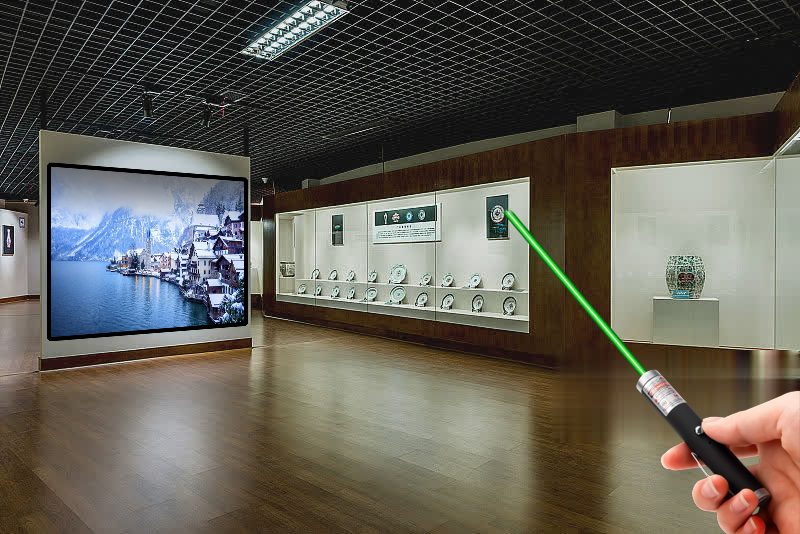
Exhibition Hall / Museum
Presenters use laser pointers to precisely focus on exhibits while the screen displays related content in real-time
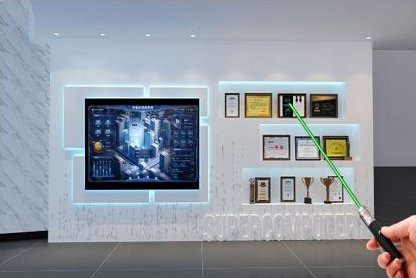
Enterprise Showroom
Laser pointer locks onto exhibits, triggering corporate culture, history, or product introduction content on the big screen
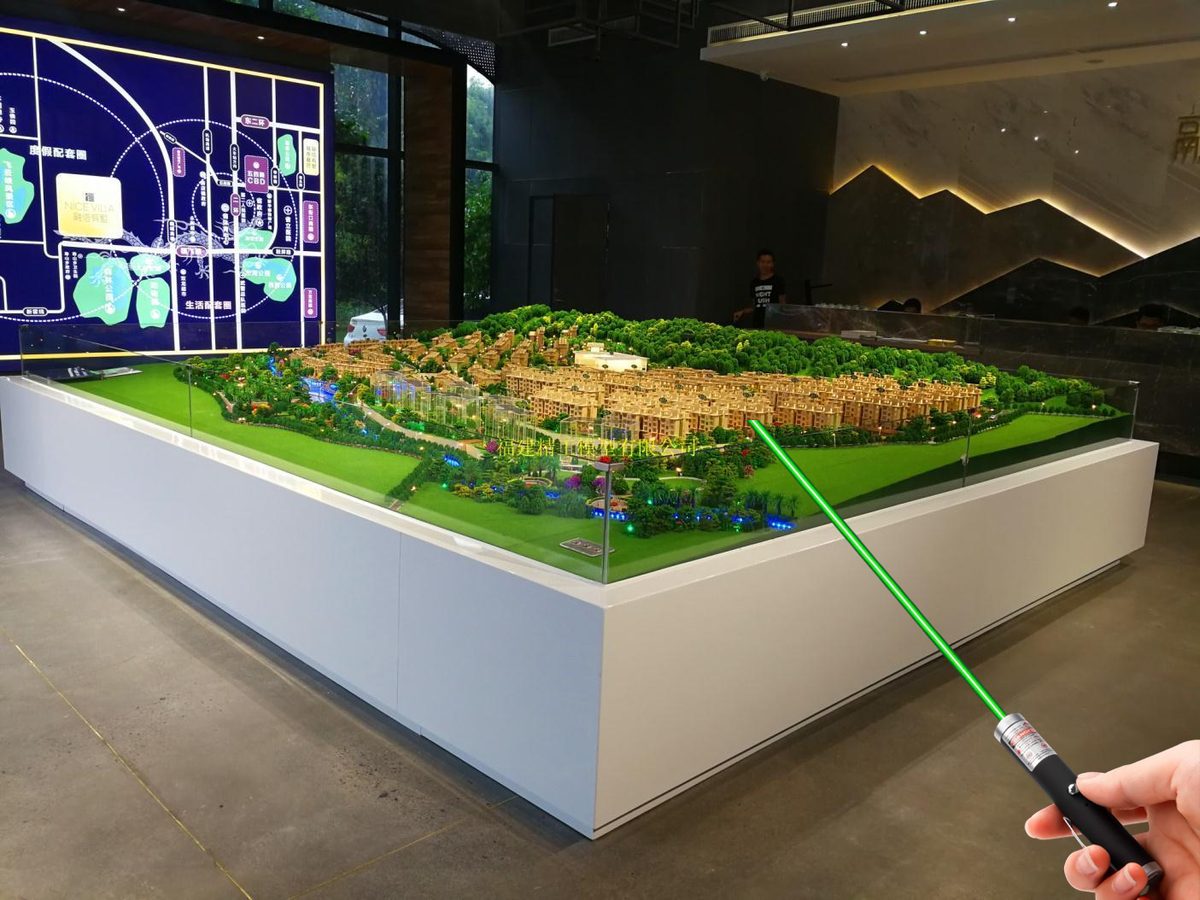
Sand Table Display
Ideal for real estate models, urban planning halls, and military sand tables — laser pointer triggers detailed content on the rear screen
Learn More About Laser Guide System
Contact our technical consultants for customized solutions and quotes
Contact Us →